Turn your webinars and talks into clips that stand on their own
An hour-long webinar is full of explanations worth sharing on their own. ClipMix separates them, with the slides or the whiteboard in view when it matters and captions in your language, so they reach far beyond the people who attended live. Your videos stay yours.
- 30 free min a month
- No sign-up
- Captions in 6 languages

The best part of your webinar lasts two minutes.
Let more than the attendees see it.
Your explanation, beyond the session
A well-chosen snippet reaches prospects, students and colleagues who would never sit through the full recording.
Slides count too
If what matters is on a slide or a whiteboard, Fixed mode keeps the frame on it and Fit shows the whole shot. See how vertical framing works.
Text you can follow on mute
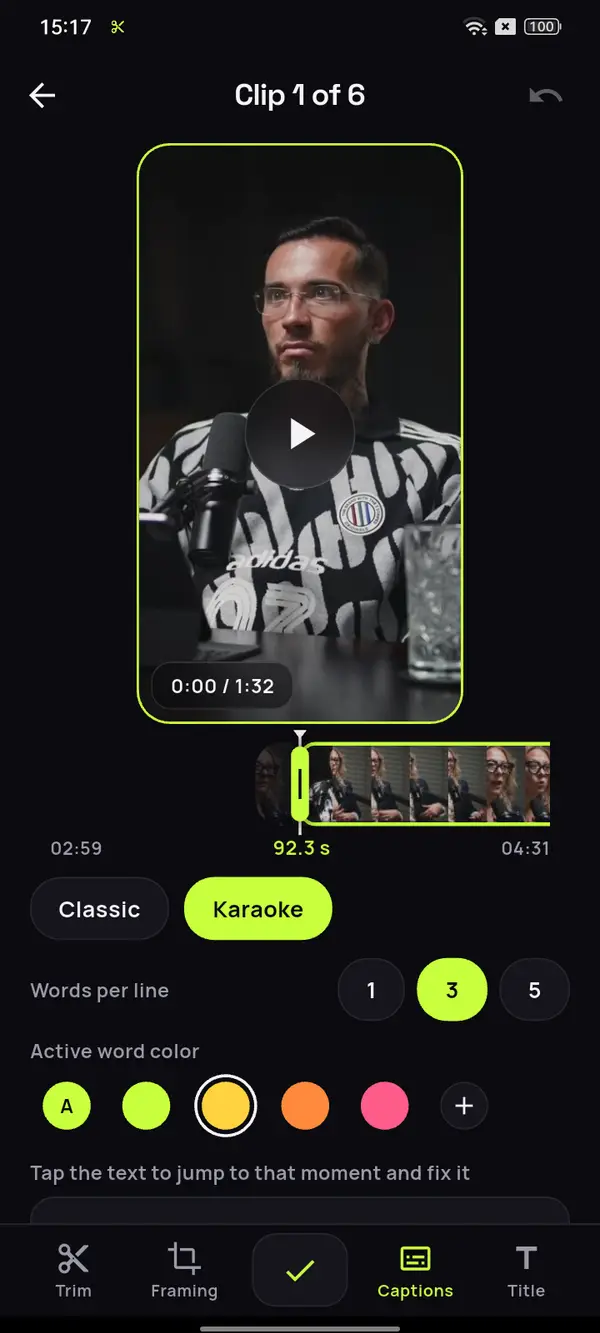
With captions on screen, the explanation is easy to follow even without sound. Check names and acronyms with captions you fix by hand.
An 85-minute conversation.
Every argument, a clip.
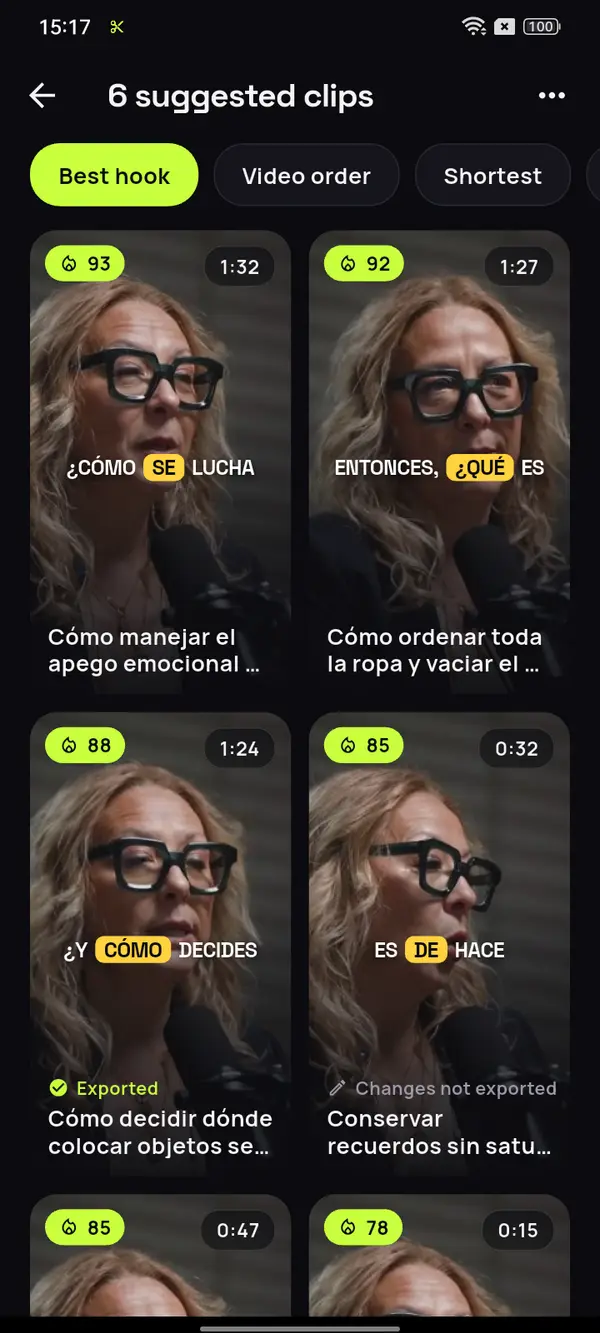
Here, a talk in Spanish about keeping a home tidy: ClipMix separates every idea that holds up on its own, with its example and its conclusion.
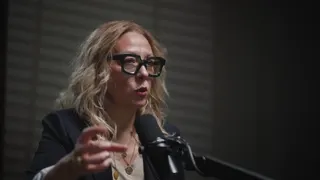

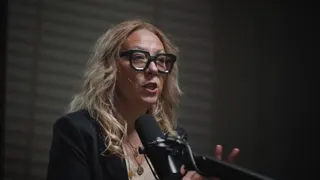




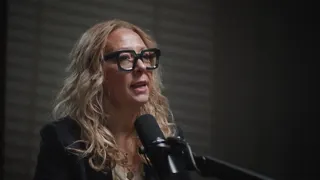
12 clips ready to review
- Analyzing your video
- Picking the moments with a hook
- Getting your clips ready
The smallest unit of order
Order isn't minimalism
The reverse shopping list
A classic tidying mistake
Video: “Experta en Orden”, by Zoom Out Podcast, licensed under CC BY 3.0. Trimmed, reframed, captioned and translated. Zoom Out Podcast is not affiliated with ClipMix. Illustrative example with real moments from the original video.
From recorded session to clips
in three steps.
Open the recording
The webinar, the talk or the class, from your phone's gallery.

Review the suggestions
Every explanation that stands on its own, sorted by hook score.
Adjust and post
Frame the slide or the face, fix technical terms and save it to your gallery.
Which part of a webinar should you clip?
Look for the moments where you explain one thing from start to finish: a definition with its example, the answer to an audience question or the summary that wraps up a topic. If it only makes sense after the ten minutes before it, leave that part for the full session.
The clips that work best outside the session start with the question or the problem and end with the answer. The Q&A at the end is often a gold mine. If your session is a conversation between several people, you’ll find the guide to clipping a conversation useful.
Before you post a webinar clip
- That it answers a single question.
- That what’s on the slide or the whiteboard is readable.
- That technical terms are spelled right.
- That you have permission from whoever’s on screen.
One webinar,
many ways in.
- Repurpose each webinar as a series. Post one idea per clip and title each one with the question it answers.
- Running the same webinar again? Use the best clips from the last one as a teaser for people who haven't signed up yet.
- Before posting, make sure you have permission from the people in the recording and from the event organizer.
- If the talk is also on YouTube, its clips work as Shorts for your channel.
ClipMix doesn't replace your webinar or course platform: it helps more people discover what you already teach.
Will viewers see the whiteboard or just my face?
Both, depending on the moment. In Auto the frame follows whoever's explaining; with Fixed you keep it on the whiteboard, and with Fit the whole shot shows.
Does it work with slides or a shared screen?
Yes, as long as the recording is a video file. To show a slide in full, use Fit or set the project to 1:1 or 16:9.
Does it work for a webinar over an hour long?
Yes. You can analyze the whole video or just the part you're interested in, and minutes count only for what you analyze.
Can I fix technical terms in the captions?
Yes. In the editor you tap any word and change it, including names, product terms, formulas and acronyms.
Do my recordings end up published anywhere?
No. Your videos are yours alone: we never publish them or sell them. Your recordings aren't used for anything else; each clip lands in your gallery and you decide whether it goes public. All the details are in our privacy policy.
Is the price different for a company or a school?
The same for everyone: 30 free minutes a month. Free clips are exported after an ad and carry a watermark; with a plan or pack, none do. Pricing and plans.
Your next webinar
already has its clips.
Open ClipMix with the recording of your latest session and share the best of it far beyond the attendees. 30 free minutes a month.
Get it free