Clips from your podcast in minutes
You record an hour of conversation, and inside it there are ten moments worth watching on their own. ClipMix finds them, frames them without cutting anyone out and hands them to you vertical and captioned, ready to promote the episode.
- 30 free min a month
- No sign-up
- Captions in 6 languages
The episode is long.
People who find you on social want a slice.
Clips bring in new listeners
A snippet with a good idea gets shared more than a full episode. It's the shortest path to someone giving your show a chance.
Every face in frame
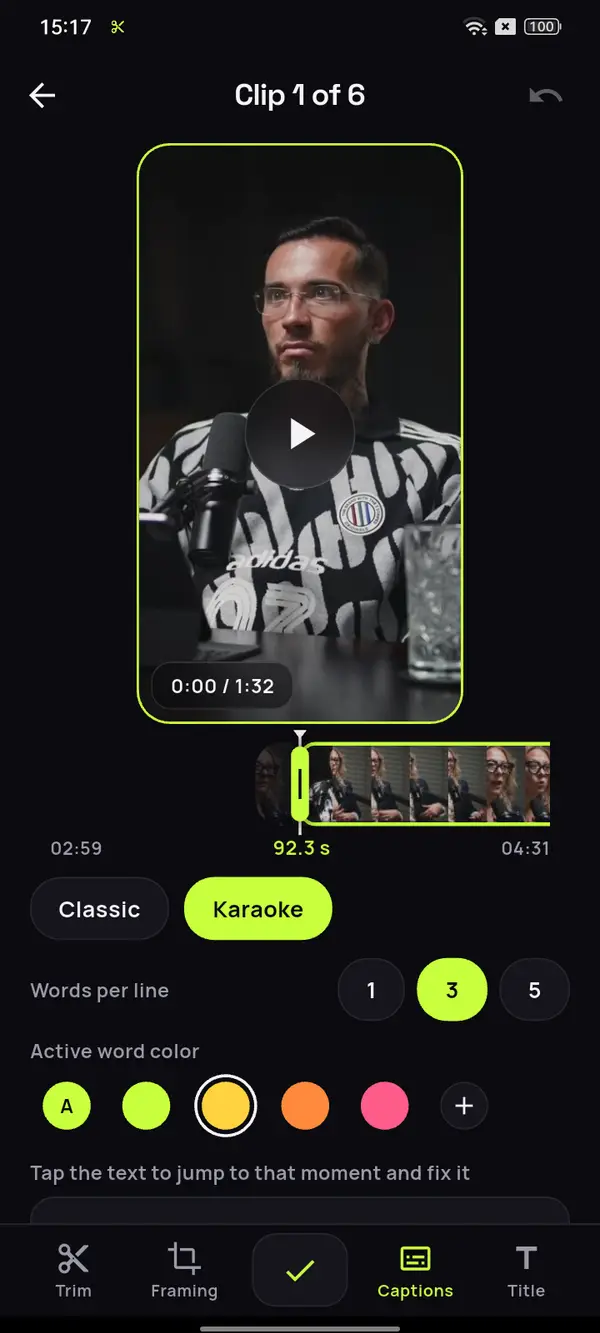
If each person has their own camera, ClipMix keeps their face in frame. If you share a shot and appear about the same size, it keeps the shot whole. That's how you convert horizontal video to vertical without losing anyone.
One episode, weeks of content
An hour of recording gives you lots of clips. Post one a day and let the episode keep working for you.
An episode of an hour and twenty-five.
The moments people share.
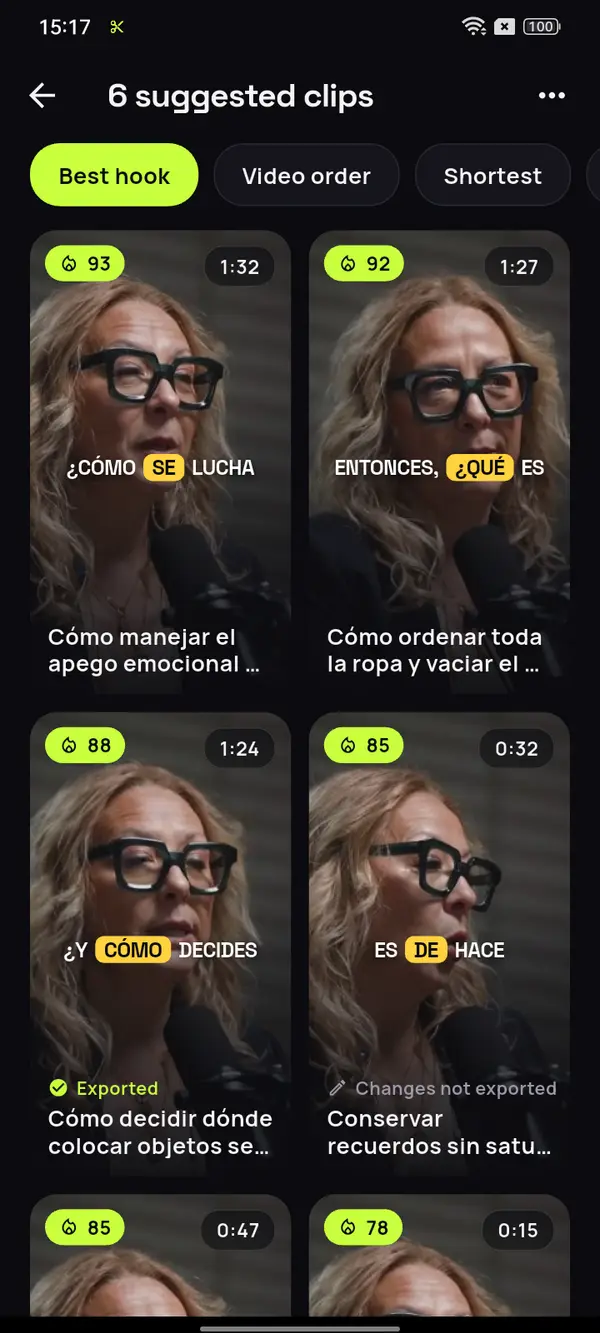
Pick the episode recorded on video and ClipMix finds the answers, stories and opinions that make sense without the rest of the conversation, each with the faces in frame. Here it's a podcast in Spanish: ClipMix captions 6 languages on its own.
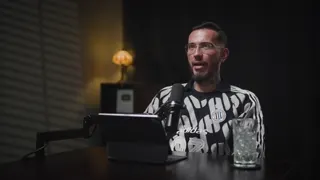
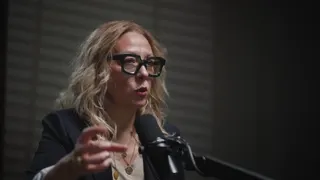
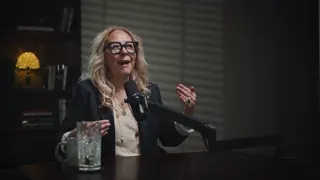
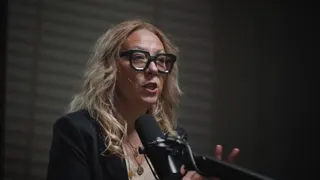

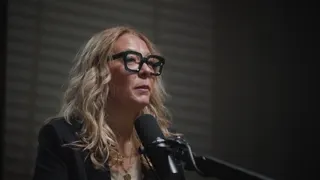


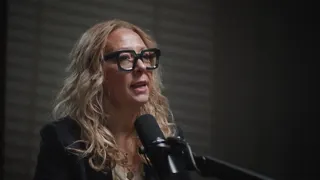
12 clips ready to review
- Analyzing your video
- Picking the moments with a hook
- Getting your clips ready
Order isn't something you redo weekly
What to do with a gift you don't use
Think of your future self
What you do before a visit
Video: “Experta en Orden”, by Zoom Out Podcast, licensed under CC BY 3.0. Trimmed, reframed, captioned and translated. Zoom Out Podcast is not affiliated with ClipMix. Illustrative example with real moments from the original video.
From episode to clips
in three steps.
Pick the episode
The recorded video, just as it is on your phone. No exporting anything first.
ClipMix pulls the moments
Each suggestion starts and ends on a full sentence, with its hook score.
Caption them and post
Fix words, adjust the framing and save them to your gallery to upload.
Which part of an episode works as a clip?
The podcast clips that work best are the ones that make sense without hearing the rest: an opinion that provokes, a story with an ending, a tough question with its answer or a fact that surprises.
Skip the bits that depend on something said earlier. ClipMix scores every moment for its hook and cuts it at the end of a sentence; you pick the ones that best represent the episode. We go into detail in how to make podcast clips.
Rough length by type of moment
One clip per topic,
one door into the episode.
- A clip for each topic in the episode reaches listeners looking for exactly that.
- End the clip with the podcast's name, or tell viewers where to hear the full episode.
- Reuse the same clip, captions included, as TikTok videos, as Instagram Reels and as Shorts. If the episode is on YouTube, you can turn the episode into Shorts.
Listeners don't arrive overnight: ClipMix takes the cutting and captioning off your plate so you can post more consistently.
Does it work if two of us are in the same shot?
Yes. When both faces appear about the same size, the shot stays whole and nobody's left out. If each of you has your own camera, the framing goes to the face in each shot, and in Manual you mark who's seen at each moment.
What if my podcast is recorded without a camera?
Right now ClipMix needs a video, because every clip is built with the picture. If you record the conversation with a camera, even a fixed one, you're all set.
How many clips come out of one episode?
Every moment that makes sense without the rest of the conversation, with no fixed number. A long episode can have lots of them; you choose which ones to post and in what order.
How do captions look in a conversation?
The spoken word is highlighted, so it's easy to follow who says what. You can fix any word, and see how the captions look before you start.
How do I make the clip lead to the full episode?
Use the hook title, which shows at the top for the first few seconds, for the podcast's name, and say where to listen to the full episode in your post's text.
Does ClipMix do anything with my episode besides the clips?
No. Your videos are yours alone: we never publish them or sell them. To build your clips we use video files that are deleted from our servers as soon as you download each clip, never later than a day. All the details are in our privacy policy.
Do I pay for a whole episode, or only part of it?
Only what you analyze, with 30 free minutes a month to start. Free clips are exported after an ad and carry a watermark; with a plan or pack, none do.
Your next episode
already comes with its clips.
Download ClipMix and pull the best moments out of your latest episode. 30 free minutes a month.
Get it free