Turn your long YouTube videos into Shorts
Your YouTube video already has its Shorts inside. Open it on your phone and the AI cuts each one at the end of a sentence, makes it vertical with captions and gets it ready to post. Your videos stay yours.
- 30 free min a month
- No sign-up
- Captions in 6 languages
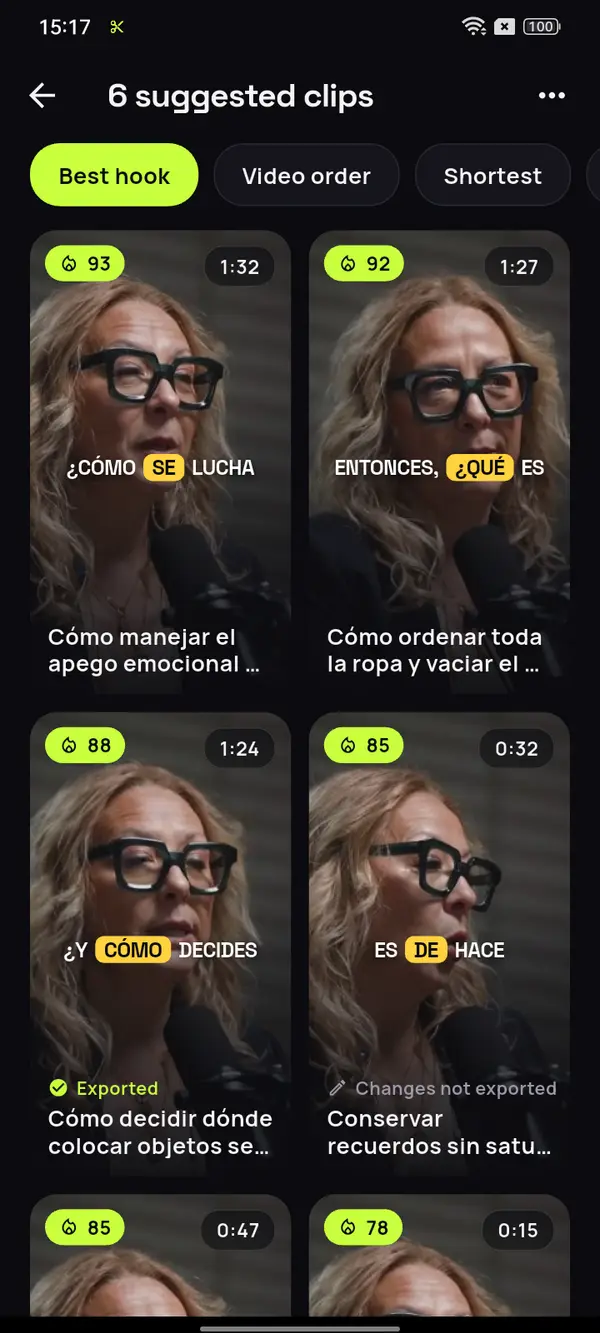
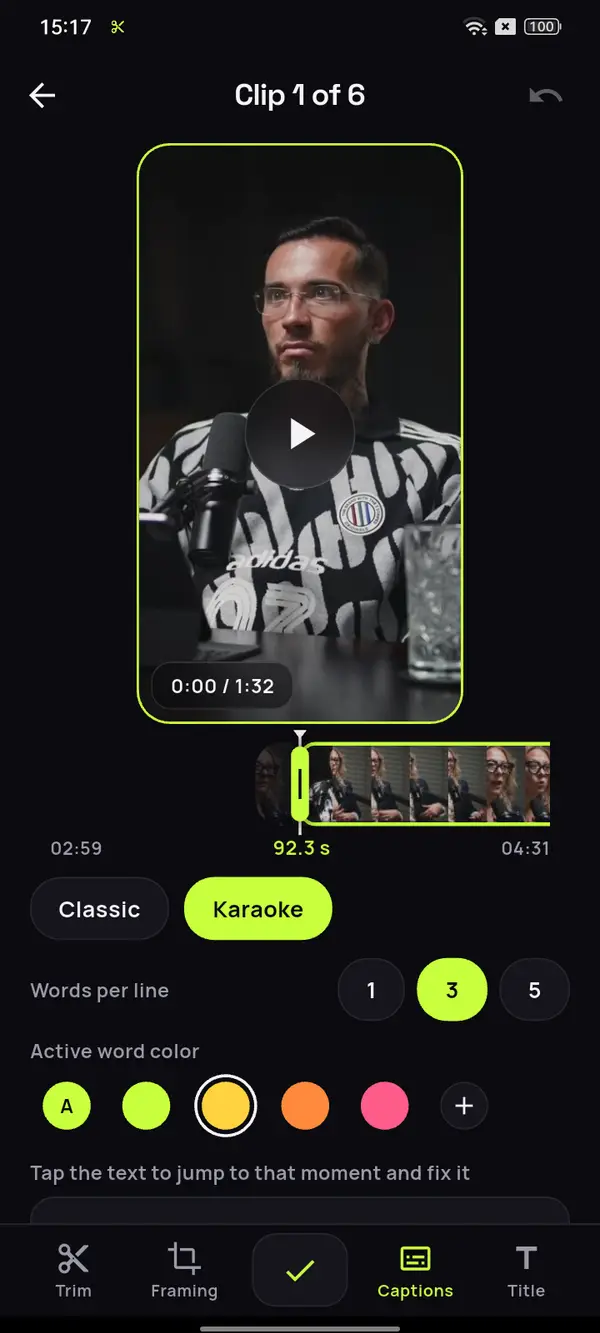
You already filmed the video.
Now get everything out of it.
Reach people who don't know you yet
Shorts are shown to people who aren't subscribed. Each one is a new door into your channel, and with auto captions in 6 languages it lands even on mute.
Send viewers to the long video
Link each Short to its full video: whoever gets hooked by the moment stays for the whole hour. That's how you grow your channel with clips you've already filmed.
Post daily without filming more
A one-hour tutorial holds plenty of Shorts. You've got material for the whole week without turning on the camera.
A whole 85-minute podcast, in Spanish.
Every tip, a Short.
Pick the original file of your long video, the same one you uploaded to YouTube, and ClipMix marks every moment that works as a Short on its own, with its hook, vertical and captioned.
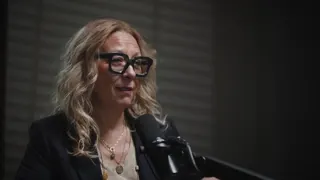
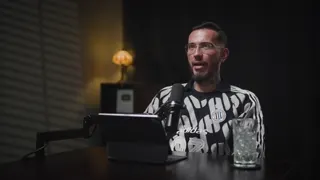
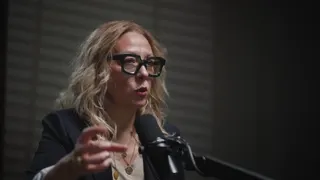

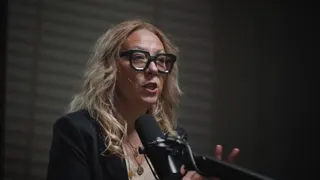




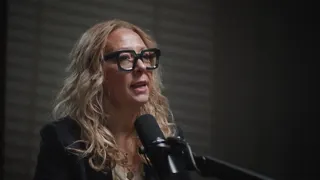
12 clips ready to review
- Analyzing your video
- Picking the moments with a hook
- Getting your clips ready
Tidying isn't a Saturday chore
Tidy doesn't mean empty
Matching hangers, tidy closet
Time for what you prioritize
Video: “Experta en Orden”, by Zoom Out Podcast, licensed under CC BY 3.0. Trimmed, reframed, captioned and translated. Zoom Out Podcast is not affiliated with ClipMix. Illustrative example with real moments from the original video.
From your YouTube video to Shorts
in three steps.
Open the long video
The file of the video you uploaded to YouTube, just as it sits in your gallery.
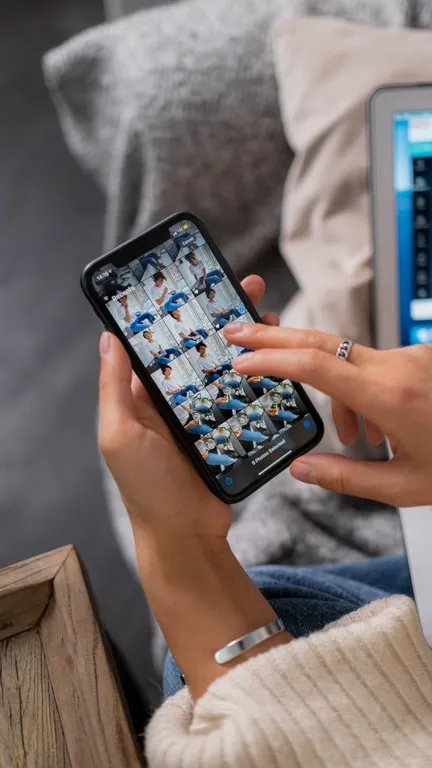
The AI marks the Shorts
Every idea that works on its own, from 10 s to 3 min, with a hook score so you start with the best one.
Add the hook and post
Write a title for the opening, check the captions and upload the Short from your gallery.
How long should a Short be?
YouTube accepts vertical Shorts of up to 3 minutes. The ones that work best get to the point in the first second and close the idea before the viewer swipes away. We go into detail in how long a YouTube Short should be.
ClipMix suggests clips from 10 s to 3 min depending on how long each idea runs, without stretching or chopping it: you decide which ones to post. If you record a video podcast, see which moments work as podcast clips.
Length by type of Short
More pieces per video,
more ways to be found.
- Shorts count toward joining the YouTube Partner Program.
- Each Short can link to your long video, where the ads are.
- Posting consistently is what helps you grow the most, and one video gives you material for days.
No promises on earnings: ClipMix gives you more to post from what you've already filmed. YouTube's help has the current requirements.
Can I paste a YouTube link instead of picking the file?
ClipMix starts from the original file on your phone instead, which keeps more quality than any copy downloaded from YouTube. Pick it from your gallery and your Shorts start from the best version of your video.
Does ClipMix post the Shorts to my channel?
No. Your videos are yours alone: we never publish them or sell them. Each Short is saved to your gallery and you upload it yourself, whenever you want. All the details are in our privacy policy.
How much does making Shorts cost?
You get 30 free minutes a month. Free clips are exported after an ad and carry a watermark; with a plan or pack, none do. See what each plan includes.
Can a Short be longer than one minute?
Yes. YouTube treats vertical or square videos of up to three minutes as Shorts, and ClipMix suggests each clip as long as its idea lasts, from 10 seconds.
How do I send Short viewers to my full video?
Once it's uploaded, YouTube Studio lets you attach a related video from your channel, which shows up as a link under your name. It's explained in YouTube's help on related videos (checked on October 20, 2026).
Do they work for TikTok and Reels too?
Yes. A Short exported vertically is a regular file in your gallery, so you can post the same one as a TikTok clip or an Instagram Reel without rebuilding it.
Your next Short
is already filmed.
Download ClipMix and pull the Shorts out of your latest video. 30 free minutes a month.
Get it free