Turn your long videos into Reels
Your long videos hold moments that work as Reels. ClipMix finds them, makes them vertical with captions and the face in frame, and drops them in your gallery ready to post. Your videos stay yours.
- 30 free min a month
- No sign-up
- Captions in 6 languages
Your long video won't fit in a Reel.
Its best moments will.
Reach people who don't follow you
Instagram doesn't recommend Reels longer than 3 minutes to new people. No ClipMix suggestion goes past that; if you lengthen a clip in the editor, keep an eye on the 3 minutes.
Captions you get at a glance
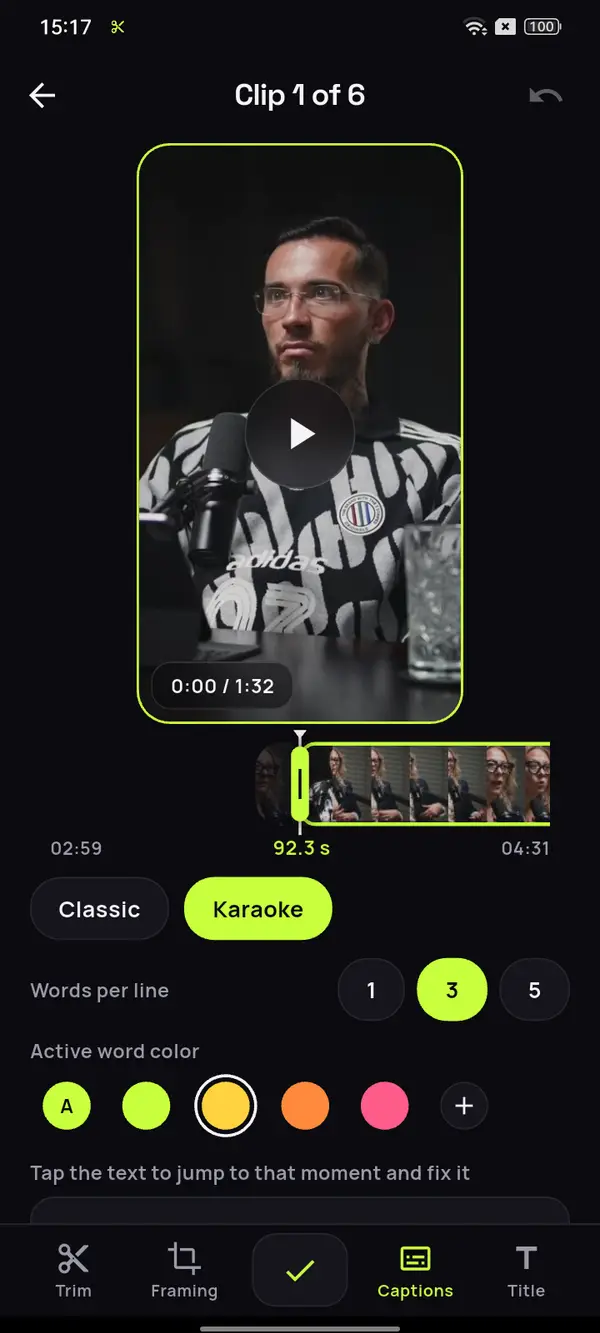
If someone watches the Reel on mute, the highlighted active word gets the message across anyway. That's how ClipMix's auto captions work.
Nobody left out
If you shot it horizontally, the frame follows whoever's speaking in each shot, or shows the whole shot over a blurred background. More on making your videos vertical.
An 85-minute talk on tidying, in Spanish.
Every trick, a Reel.
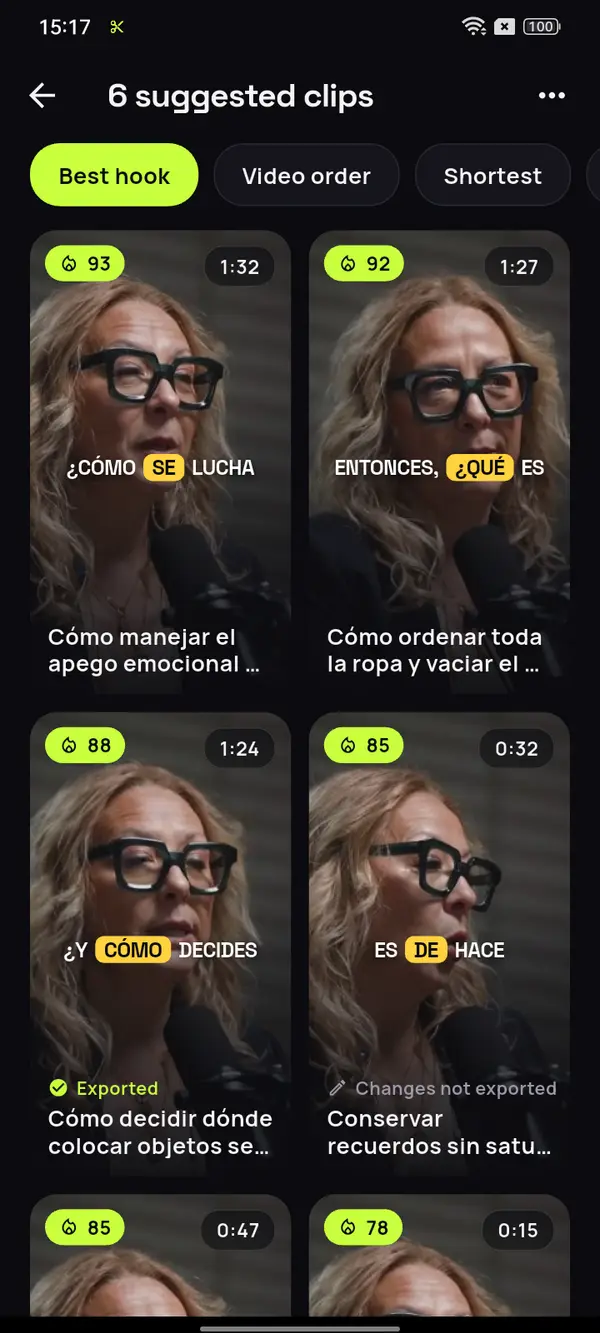
Open the whole recording and ClipMix sets aside every trick that stands on its own, ready for Reels with its text and its hook. It works the same in English and in the other 4 languages it captions.
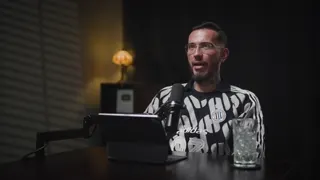
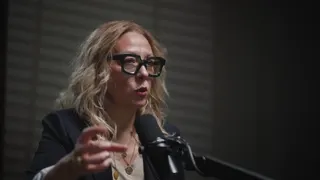

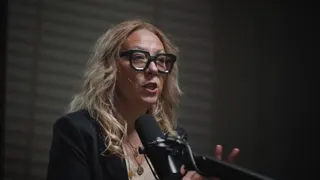

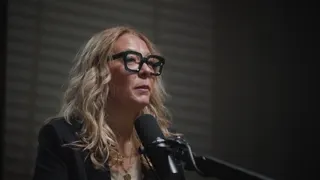


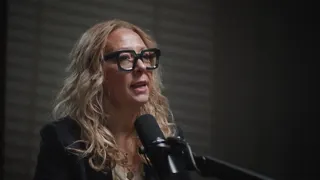
12 clips ready to review
- Analyzing your video
- Picking the moments with a hook
- Getting your clips ready
Tidy once, then just maintain
No need to own fewer things
Vertical folding, explained
First, what you already have
Video: “Experta en Orden”, by Zoom Out Podcast, licensed under CC BY 3.0. Trimmed, reframed, captioned and translated. Zoom Out Podcast is not affiliated with ClipMix. Illustrative example with real moments from the original video.
From your long video to Reels
in three steps.
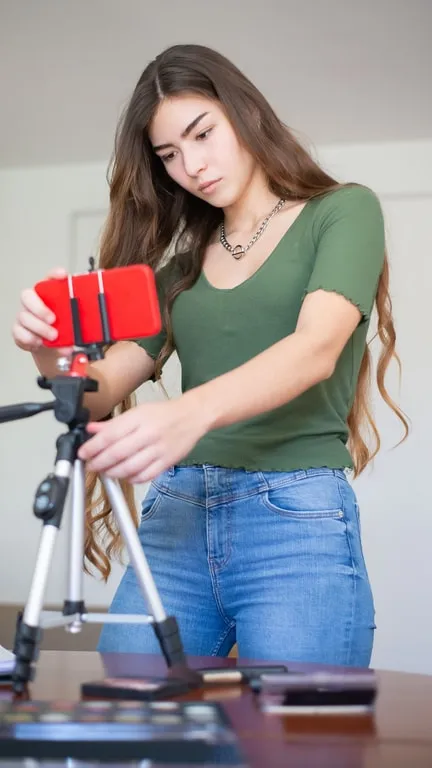
Pick your recording
A talk, a workshop or a video from your YouTube channel, from your phone's gallery.
Choose the Reels
Out of all the suggestions, keep the ones that open with something gripping.
Polish and share
Adjust the framing and the title on top, export it and share it to Instagram from the app.
Which moment of a long video should you pick for a Reel?
The one that makes sense without context and opens strong: a trick you can see, a clear opinion or a short story with an ending. In the first few seconds it has to be clear why it’s worth sticking around.
In ClipMix’s list, every suggestion comes with a score from 0 to 100. Start with the highest, add a title on top that says what it’s about and pick a cover in Instagram where you can clearly see who’s speaking. And if you also record a video podcast, see which parts work as clips from your podcast.
Clear zone for Reels ads (Meta)
Nothing covering it,
everything readable.
- Meta's ads guide recommends keeping at least the top 14% and the bottom 35% clear, so the profile and buttons don't cover what matters. It's in its video specs for Reels, checked on October 20, 2026.
- The hook title can be dragged, so keep it below that top strip. You'll find the full layout in the TikTok and Reels safe zone.
- If you want the same clip on TikTok, it works as is. See how to make TikTok clips from your videos.
- Don't post them all on the same day: here's how to spread a video's clips across the week.
Reach and followers depend on Instagram, and its recommendations and Meta's change often: check their help before you post.
How long can a Reel be?
Instagram lets you record Reels of up to 20 minutes, but those over 3 aren't recommended to new people, according to its page about Reels (checked on October 20, 2026). ClipMix clips run from 10 s to 3 min.
Can I get the same clip in another format?
Yes. Switch the project to 4:5 or 1:1 and ClipMix reframes its clips for that format, without losing what you'd already edited.
Does ClipMix pick the Reel's cover?
No. You choose the cover in Instagram when you post, from a frame of the clip itself. Look for one where the face and the hook are clear.
Can I share it straight to Instagram?
Yes. When it's done, the clip is saved to your gallery and you can share it to Instagram from the app.
Does ClipMix upload anything to my Instagram?
No. Your videos are yours alone: we never publish them or sell them, and you post the Reels yourself from your gallery. All the details are in our privacy policy.
How much does it cost to make Reels?
You get 30 free minutes a month. Free clips are exported after an ad and carry a watermark; with a plan or pack, none do. Plans and pricing.
Your next Reel
is already in your gallery.
Get ClipMix, open your latest workshop or talk and walk away with Reels for the whole month. 30 free minutes a month.
Get it free